FLAGSHIP CASE STUDY · TECKHOUZE BROWSER PRO
The workspace is part of the work.
A fun browser, a display case, and a working environment that has to earn its place by being used.
TeckHouze houses the portfolio and its tools while remaining a build in its own right. The test is not whether the shell looks convincing. It is whether someone can enter, use the work, return and keep going.
Native browser workflows have been exercised. Complete workspace integration and maximum workload capacity remain unverified.
Explore the working loop Read the verification record
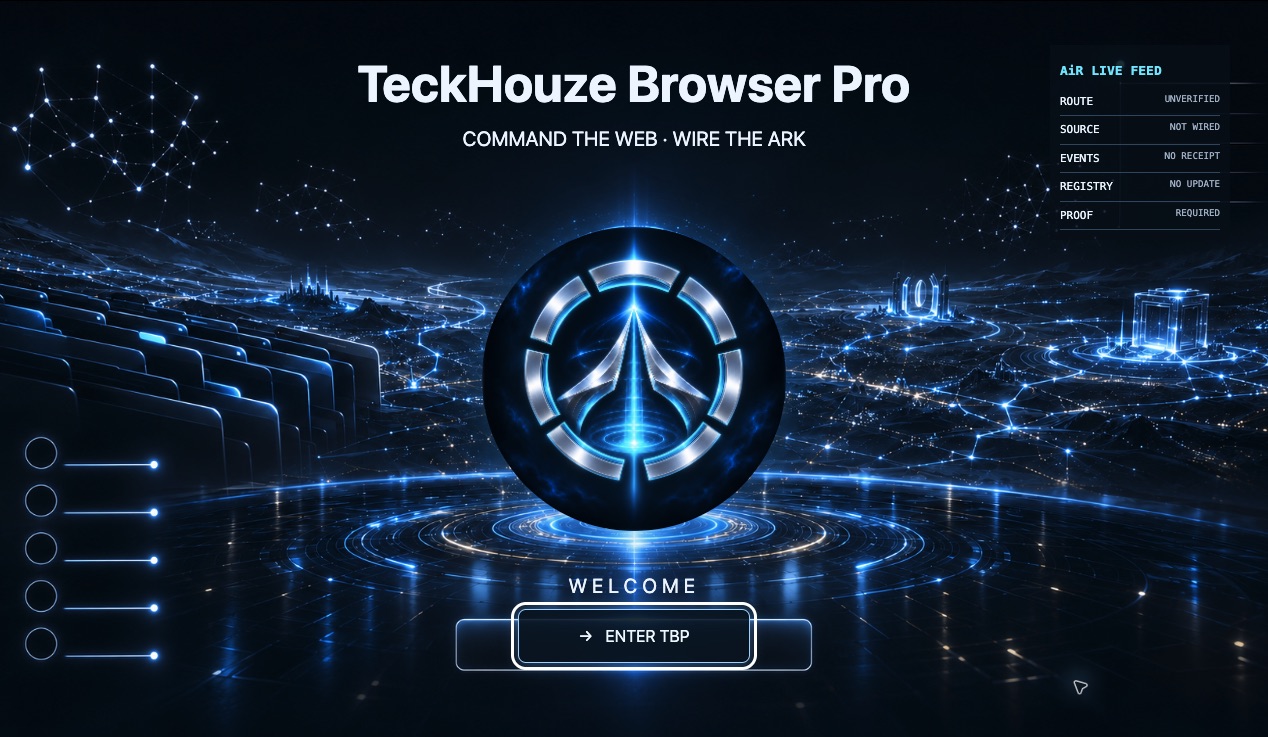
One place to enter the work, not another layer in the way.
The Architect’s direction is a browser that feels like its own product, not a browser trapped inside another browser. The welcome, workspace and tools need a coherent route between them.
The supplied MeOmni references inform the intended layered home experience. They are design references, not evidence that every corresponding tool or page already functions.
Use it. Find the failure. Repeat the route.
- 01
Enter a recognisable workspace
The local welcome and aperture entry provide a product-specific starting point. The captured screen keeps uncertain integration status visible.
- 02
Open the work in context
Native navigation has opened the portfolio, its records and real project destinations. New-tab returns were checked without treating an external landing as proof of the whole product behind it.
- 03
Exercise the interaction, not only the screenshot
Checks covered reading-mode persistence, keyboard navigation, focus return, zoomed layouts and routes through the demonstrations. Each result belongs to the tested page and revision.
- 04
Keep failures in the record
A stale tab once rendered white while a fresh tab worked. Opening and closing developer tools recovered that tab, but neither the root cause nor a durable browser fix was established.
What actual use has shown
Portfolio navigation, project links and new-tab returns were exercised in TeckHouze on 12–13 November 2026. Reading-mode persistence and keyboard focus recovery were observed.
Desktop 200% zoom and emulated narrow viewports were checked on portfolio pages. Emulation is not a real-phone or touch certification, and accessibility-tree checks are not a spoken screen-reader audit.
A recorded desktop intro session covered repeated forward and reverse scrolling. Its trace supports a bounded observation of that revision, not a maximum workload limit or a guarantee for later graphics changes.
Every workspace action, complete home-page integration, real-device touch, spoken screen-reader behavior, workload capacity and the stale-tab defect still require appropriate checks.
What a stronger acceptance test must prove
- Welcome → workspace → tool → return works without losing the user’s place.
- Every visible action has a real destination, an honest unavailable state or an explicit permission boundary.
- Reloads, new tabs, background tabs and recovery do not silently lose work.
- Longer mixed workloads retain responsiveness, measured under recorded conditions rather than inferred from one smooth animation.
- Private records and training state remain separate from the public display case.
This case study describes observed use and product direction. It does not claim the entire browser is complete, that its tools are all integrated or that a homepage status panel is live telemetry.
Open the concise browser record · Explore the portfolio intro record